
Any pitch, explained on video
Your pitch, explained clearly on video.
Explain My Pitch turns the pitch you have already written into a short, narrated, captioned explainer video: an idea, a sales proposal, a grant application, an internal business case, a competition entry or an investor deck.
Send it ahead of the meeting, put it on the application, or share it after you speak. The people you are pitching to get the idea from a short video, and nothing goes out until you have approved the script.
- Two sign-offs, not sixAn agency explainer asks for your sign-off at five or six stages. Here you approve a script and accept the video, and we do the rest.
- Built, not generatedNo made-up figures: every word, number and chart on screen comes from your pitch, not from a model's guess.
- You can edit every scriptYou have full control: edit the narration, and say what you want to see at each point in the video. Nothing is rendered until you approve it.
- Captioned and accessibleCaptions and a transcript with every video, so it works with the sound off, in an inbox or on a phone.
Who it's for
Anyone asking someone else to say yes: to an idea, a purchase, a grant, a budget or a place in the final. Investor pitches are one kind among many.
-
Founders and new ideas
An idea pitch, an accelerator or incubator application, a demo-day slot or an investor deck, explained for people meeting the idea for the first time.
-
Sales and business development
A sales pitch, a proposal or a tender response, sent before the meeting so the buyer arrives knowing what you offer and why it matters to them.
-
Grants, awards and competitions
A grant application, a funding bid, an award entry or a competition pitch, for charities, researchers, small firms and community groups.
-
Proposals inside your organisation
A business case, a project proposal or a budget request, explained for a leadership team or a board that has ten other proposals to read this week.
Why a video helps a pitch
Most pitches are read in a hurry, by people deciding between several. A short video does not replace your deck or your application: it gets the idea across first, in your words, so the detail lands.
The idea arrives before you do
Send the video ahead of a meeting or with an application, and the people you are pitching to start the conversation already knowing what you are asking for.
The same story, every time
Every viewer hears the pitch you approved, in the same order, with the same numbers, whoever forwards it and however many times.
Within reach of a small team
We price it for founders, small teams and charities, not as an agency production: £39 a video, before VAT.
Built, not generated
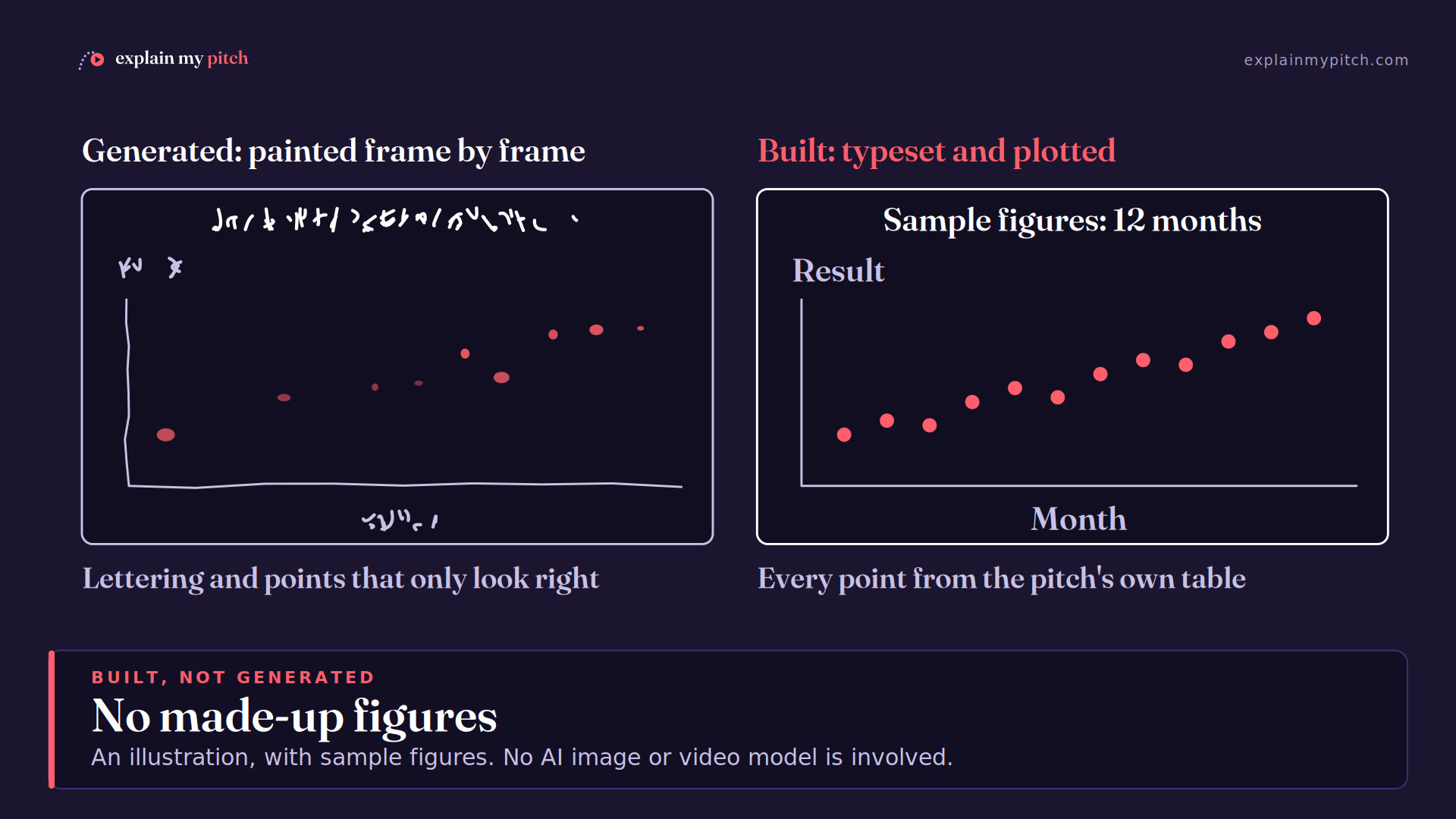
Generative AI video models paint every frame, so they can invent a number, a label or a claim that sounds right but is not in your pitch. We do not use them. Each frame is built from your document's own words and figures, so what the video shows can be checked against the source, line by line. In a pitch, a wrong number costs you the room.
1,220 videos rendered, using an estimated 700 kWh and about 13–44 kg CO2e less than an AI video model would have, our own AI drafting included (our numbers).

No made-up figures
Our software draws only what is in the script you approve, and the script is written from your pitch, with the slide, page or table behind each line noted so you can check it against the source.
Typeset, not painted
Every word on screen is typeset, so there is no garbled lettering and no text that is not in the script you approved.
Plotted from your numbers
Charts are plotted from the figures in your pitch: your pilot results, your market figures, your budget. Nothing is rounded up to sound better.
Drawn deliberately
Diagrams are drawn in code to show what the script says, not generated to look plausible. Labels stay legible and say what they are meant to.
Why AI video models get text, numbers and charts wrong, and how we keep videos true to your pitch.
AI-facilitated, not AI-generated
AI helps where it is useful. You decide what the video says.
You can edit every script
Our specialised AI agents draft a script from your pitch and send it to you. Then it is yours to edit. You have full control: change the narration, and say what you want to see at each point in the video. Nothing is rendered until you approve it, so what the video says is what you approved. For a pitch that matters, you can add human review: one of our editors checks it against your document and signs it off.
An honest, synthetic narrator
Choose from 28 high-quality synthetic voices in English: British and American, women and men, with different pitches and paces. Listen to each one on the order form. The voices run efficiently on our own machines, and every video says its narrator is synthetic. How we use AI.
How it works
Four steps from your pitch to a video you can send.
Upload your pitch
Send the deck, proposal or application as a PDF and tell us who you are pitching to: investors, a buyer, a funder, a panel of judges or your own leadership team.
Read the script
We send you a draft script written for that audience. Add human review if you want an editor to check it against your document first.
Edit it, then approve it
Edit the narration and say what you want to see, or ask us for changes. Nothing is rendered until you approve it.
Get your video
A narrated, captioned video with a transcript, ready to email, embed in an application or share on LinkedIn. 3 revision rounds are included; a round is one complete render of your video.
The whole process, from deck upload to finished video, takes just a few minutes. How long it takes.
No booking in and no briefing call: your video can be ready before the deadline, the meeting or the demo day, not weeks after it.
Pricing
One video, a pack of credits to spend across several pitches, or a monthly plan for a team. Prices exclude VAT.
Single video
£39
£46.80 inc. VATOne video, with 3 revision rounds.
Full pack
£179
£214.80 inc. VATSix video credits to spend across several pitches, valid for 12 months.
Enterprise
from £399/month
from £478.80/month inc. VAT15 videos a month in your own brand, for up to 5 colleagues. Human review is an option, not included.
Tell us what you are pitching
Upload your pitch today and we will send you the draft script to review.